





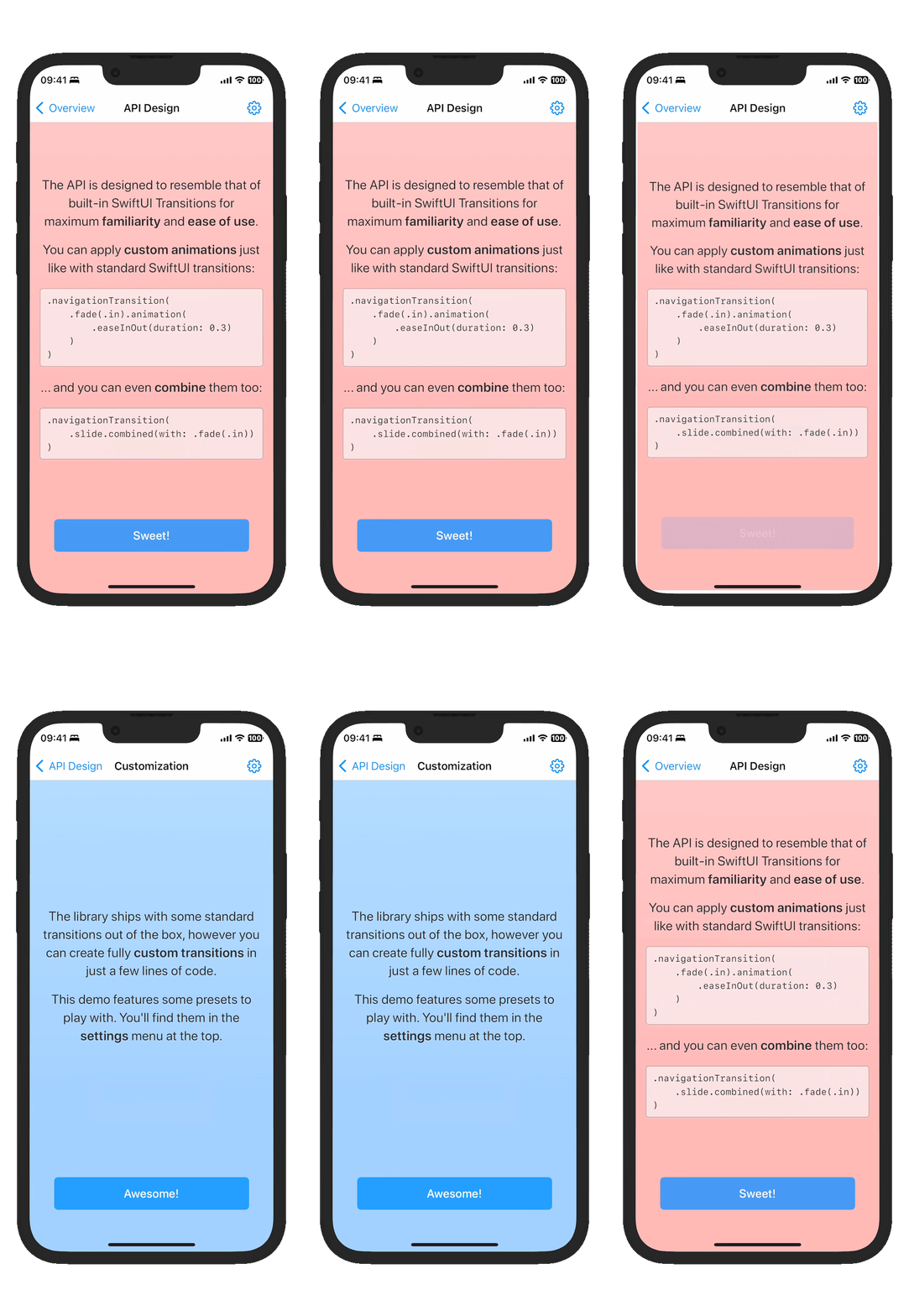

SwiftUINavigationTransitions integrates with SwiftUI's NavigationStack to customize push and pop transitions.
Requires iOS 16+, Mac Catalyst 16+, tvOS 16+, or visionOS 1+.
Apply a single modifier directly to NavigationStack to control its transitions.
NavigationStack {
  // ...
}
.customNavigationTransition(.slide)
The API is designed to resemble that of built-in SwiftUI Transitions for maximum familiarity and ease of use.
You can apply custom animations just like with standard SwiftUI transitions:
.customNavigationTransition(
    .fade(.in).animation(.easeInOut(duration: 0.3))
)
You can combine them:
.customNavigationTransition(
    .slide.combined(with: .fade(.in))
)
And you can dynamically choose between transitions based on logic:
.customNavigationTransition(
    reduceMotion ? .fade(.in).animation(.linear) : .slide(.vertical)
)The library ships with some standard transitions out of the box:
In addition to these, you can create fully custom transitions in just a few lines of SwiftUI-like code!
struct Swing: NavigationTransitionProtocol {
    var body: some NavigationTransitionProtocol {
        Slide(axis: .horizontal)
        MirrorPush {
            let angle = 70.0
            let offset = 150.0
            OnInsertion {
                ZPosition(1)
                Rotate(.degrees(-angle))
                Offset(x: offset)
                Opacity()
                Scale(0.5)
            }
            OnRemoval {
                Rotate(.degrees(angle))
                Offset(x: -offset)
            }
        }
    }
}
The Demo app showcases some of these transitions in action.
Choose from three interactivity options: .disabled, .edgePan, or .contentPan:
.customNavigationTransition(.slide, interactivity: .disabled) // disables back swipes.contentPan supports full-screen pop gestures on iOS 16 and later:
.customNavigationTransition(.slide, interactivity: .contentPan)This also works while maintaining the default system transition:
.customNavigationTransition(.default, interactivity: .contentPan)Add the package via Swift Package Manager:
dependencies: [
    .package(url: "https://github.com/davdroman/swiftui-navigation-transitions", from: "0.20.0"),
].product(name: "SwiftUINavigationTransitions", package: "swiftui-navigation-transitions"),Install Mise, then install the project tools and Git hooks:
mise install
mise exec -- hk install --mise